Blog

System & Course Info

Technical Hub

System & Course Info

Optimize your workflow with high-grade PC builds for Adobe Animate & Premiere Pro. Explore professional training paths tailored for your career.

01 Pro PC Builds
02 Course Comparison
03 Certification
View Course Matrix

Animation Course Types and Comparison

🎥

Live Course

Online Live Mentorship

🔹 WHAT IT IS

A 6-month mentorship program focused on creating high-quality animated content for YouTube, Instagram, and Freelance projects. You will learn to create engaging cartoons that get views.

Batch Size: 5–10 Students
🔹 ADVANTAGES
  • ✅ Creator-Focused Learning
  • ✅ Instant Feedback (Work Live)
  • ✅ Job & Freelance Ready
  • ✅ Recording Access
  • ✅ Community Support Group
🔹 DISADVANTAGES
  • ❌ Practice is Key (Manual Work)
  • ❌ Fixed Schedule (Morning/Evening)
  • ❌ Creativity & Brainstorming Required
📼

Recorded Course

Pre-recorded LMS Lessons

🔹 WHAT IT IS

All lessons are pre-recorded and uploaded to the platform. You can watch anytime — pause, rewind, or replay as needed at your own comfort.

🔹 ADVANTAGES
  • ✅ Learn Anytime 24×7
  • ✅ Lifetime Content Access
  • ✅ Affordable: ₹499–₹3,000
  • ✅ Revision-friendly Lessons
  • ✅ Offline Mode (Downloadable)
🔹 DISADVANTAGES
  • ❌ No Live Interaction
  • ❌ No Personalized Feedback
  • ❌ Motivation May Drop
  • ❌ Limited Real-world Exposure
🏫

Offline Course

In-Class Training Center

🔹 WHAT IT IS

Physical classroom setup with face-to-face interaction, practical demos, and hands-on projects. Includes lab sessions and career support.

🔹 ADVANTAGES
  • ✅ Talk Face-to-Face with Mentor
  • ✅ Trainers Monitor Work Live
  • ✅ Professional Team Environment
  • ✅ Discipline & Physical Presence
  • ✅ Internships & Certification
🔹 DISADVANTAGES
  • ❌ Travel Time & Commute Cost
  • ❌ Fixed Timings (No Rewatch)
  • ❌ Expensive Tuition Fees
  • ❌ Limited Seats & Batch availability
  • ❌ No Self-Pace Learning

🔍 Quick Summary Table

Feature Online Live Course Recorded Course Offline Course
Learning Mode Live virtual class Self-paced videos Physical classroom
Interaction Real-time None / Limited Face-to-face
Doubt Solving Instant Delayed Instant
Schedule Fixed Flexible Fixed
Cost ₹6,000—₹90,000+ ₹500—₹5,000 ₹20,000—₹1,80,000+
Feedback Real-time feedback None Personal guidance
Learning Speed Instructor-paced Self-paced Institute-paced
Certificate Usually included Usually included Usually included
Best For Beginners needing guidance Self-learners with discipline Serious learners / Professionals
ENROLL NOW GET ACCESS VISIT CENTER
Hardware Configuration

Optimized System Requirements

Recommended hardware for professional 2D Animation and Video Post-Production workflow at Toonyug.

An Pr

Studio Choice

Designed for Adobe Animate & Premiere Pro rendering.

Level 01

Minimum Specs

  • CPU: Intel i5 / Ryzen 5
  • RAM: 8GB DDR4
  • GPU: 2GB Dedicated
  • Storage: SSD Mandatory

Under ₹30,000 — Entry / Learning Build

Who it’s for: Absolute beginners and students. This build relies on an "APU" to handle learning tasks without needing an expensive dedicated graphics card immediately.

Recommended Parts (Best Quality Selection):
  • CPU: AMD Ryzen 5 5600G (Vega 7 Graphics) — ₹11,800
  • Motherboard: MSI B450M Pro-VDH Max — ₹5,500
  • RAM: 16GB DDR4 3200MHz — ₹3,400
  • Storage: 500GB NVMe M.2 SSD — ₹3,200
  • PSU: Cooler Master MWE 450W Bronze — ₹2,800
  • Case: Ant Esports ICE-100 — ₹2,200
Price Math: 11,800 + 5,500 + 3,400 + 3,200 + 2,800 + 2,200 = ₹28,900 (approx.)

Pros: Extremely cost-effective; excellent for vector art.

Cons: Slower video rendering; cannot handle 4K.

Upgrade Path: Add a dedicated Graphic Card (GTX 1660S or RTX 3050) later.

Under ₹50,000 — Entry+ / Light Editing Build

Who it’s for: Freelancers on a budget. Includes a dedicated NVIDIA GPU for smooth timeline playback in Adobe software.

Recommended Parts (Best Quality Selection):
  • CPU: Intel Core i5-12400F — ₹9,500
  • Motherboard: MSI PRO H610M-E DDR4 — ₹6,200
  • GPU: NVIDIA RTX 3050 (6GB) — ₹16,500
  • RAM: 16GB DDR4 3200MHz — ₹3,400
  • Storage: 500GB Gen4 NVMe SSD — ₹3,800
  • PSU: Deepcool PK550D (550W) — ₹3,200
  • Case: Ant Esports ICE-112 — ₹2,800
Price Math: ₹45,400 (approx.)

Pros: Dedicated GPU handles heavy scenes easily.

Cons: 500GB storage fills quickly.

Upgrade Path: Upgrade RAM to 32GB; Add 1TB HDD.

Under ₹70,000 — Balanced Creator PC (Recommended)

Who it’s for: Serious content creators. Features the RTX 3060 12GB, the best value card for editors handling complex layers.

Recommended Parts (Best Quality Selection):
  • CPU: Intel Core i5-13400F — ₹18,500
  • Motherboard: MSI B760M Bomber WiFi — ₹10,500
  • GPU: NVIDIA RTX 3060 (12GB) — ₹24,500
  • RAM: 16GB DDR4 3200MHz — ₹3,600
  • Storage: 1TB Gen4 NVMe SSD — ₹5,800
  • PSU: Cooler Master MWE 650W Bronze V2 — ₹4,800
  • Case: Galax Revolution 05 — ₹3,500
Price Math: ₹71,200 (approx.)

Pros: 12GB VRAM is excellent for After Effects.

Cons: Uses DDR4 RAM (older gen).

Upgrade Path: Upgrade to 32GB RAM for a perfect workstation.

Under ₹1,00,000 — Power Creator / Semi-Pro Workstation

Who it’s for: Full-time Professionals. Uses DDR5 platform and a powerful 14-Core CPU to chew through 4K rendering.

Recommended Parts (Best Quality Selection):
  • CPU: Intel Core i5-13500 (14 Cores) — ₹22,500
  • Motherboard: Gigabyte B760M Gaming X (DDR5) — ₹14,500
  • GPU: NVIDIA RTX 4060 Ti (8GB) — ₹34,500
  • RAM: 32GB DDR5 5200MHz — ₹8,500
  • Storage: 1TB High-Speed Gen4 SSD — ₹8,000
  • Cooler: Deepcool AK400 — ₹2,500
  • PSU: Deepcool PM750D Gold — ₹6,500
  • Case: Lian Li Lancool 215 — ₹5,500
Price Math: ₹1,02,500 (approx.)

Pros: Massive rendering power; Gold-rated PSU.

Cons: Slightly exceeds 1 Lakh.

Upgrade Path: Add 2TB/4TB HDD for archiving old projects.

CPU
GPU
RAM
PEN

The Ultimate Animation Gear

Recommended PC builds, Laptops, and Digital Drawing tools used by professional animators at Toonyug.

Workstation PC Workstation

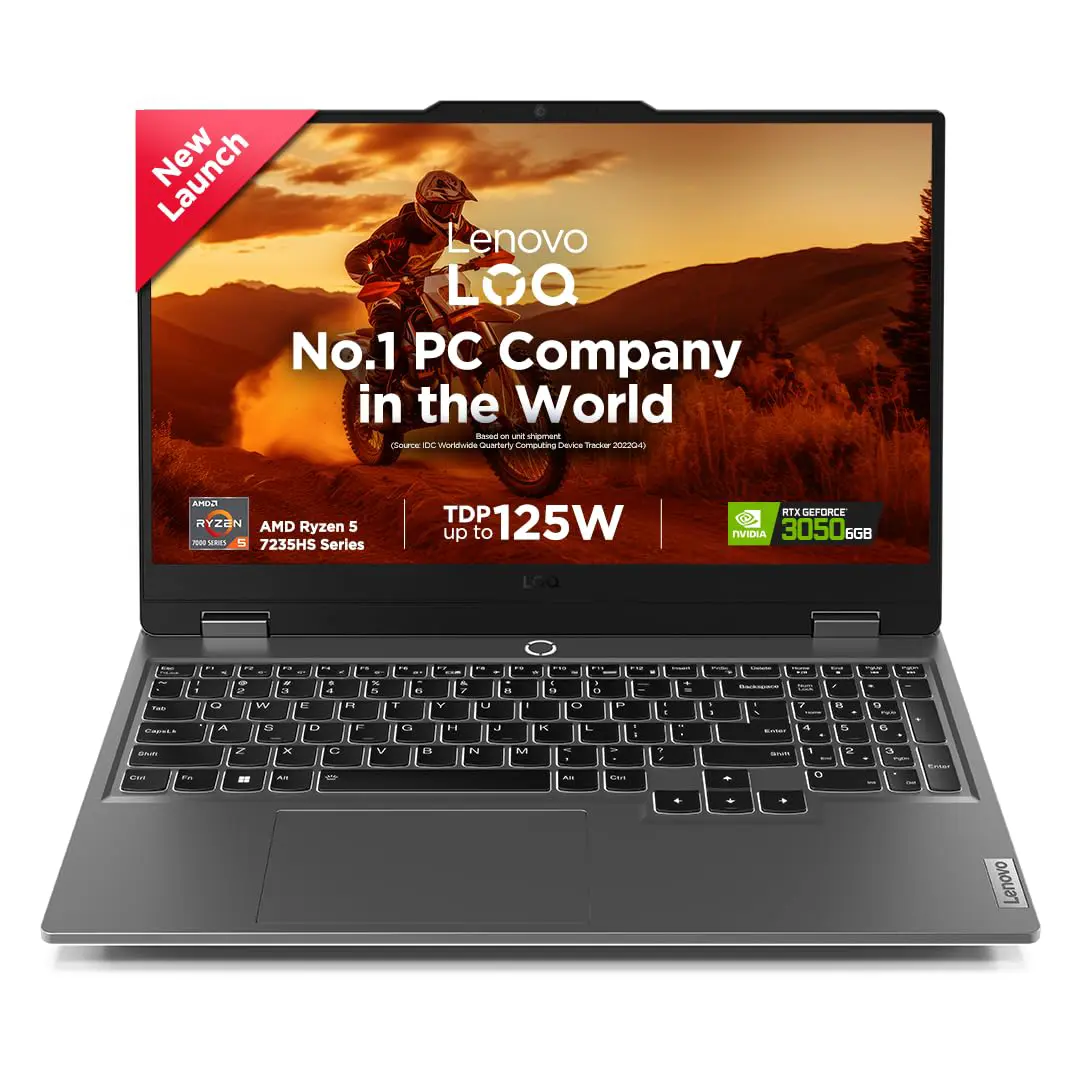
Pro Animation Laptop

Perfect for Adobe Animate CC & high-speed rendering.

View on Amazon
Drawing Tablet Tools

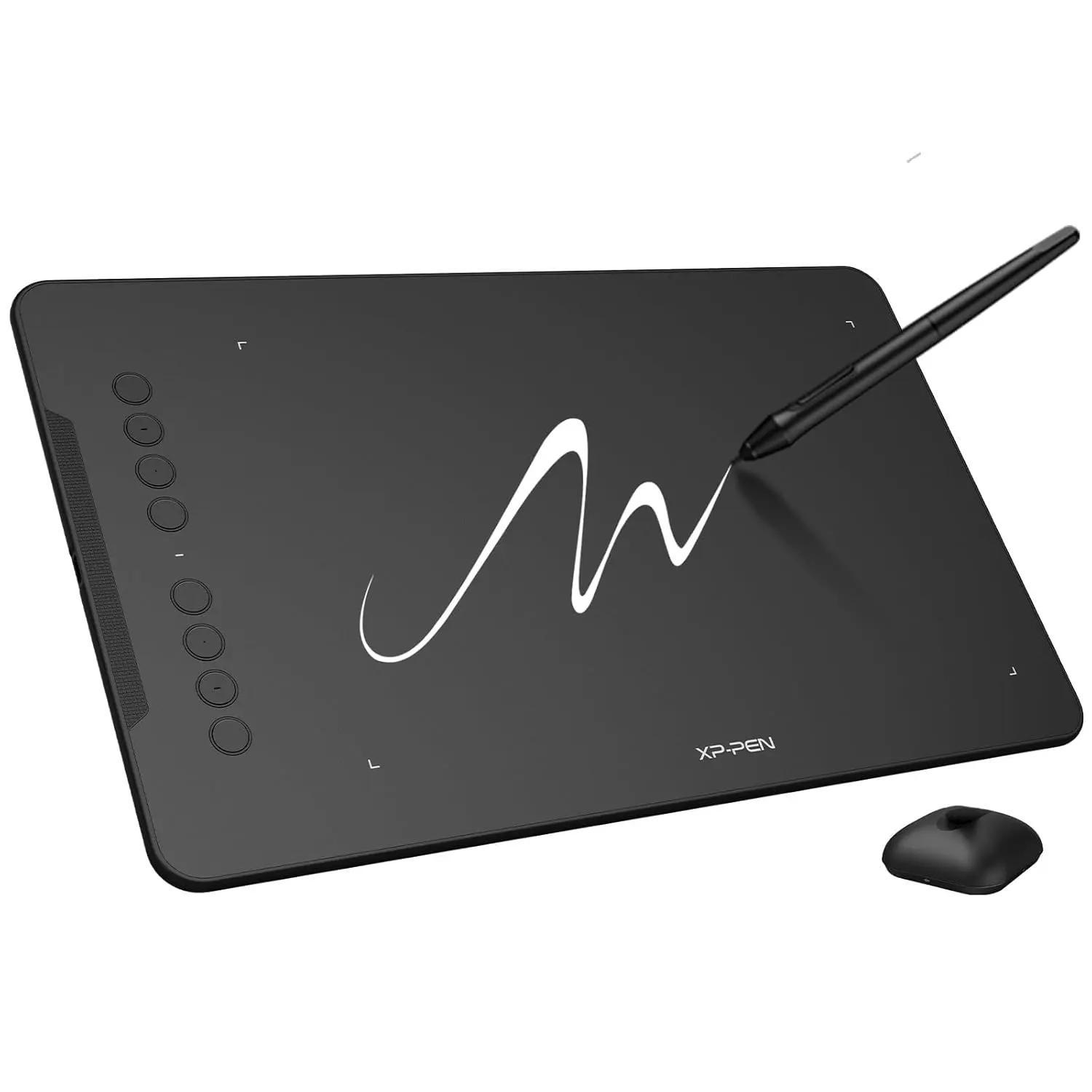
Digital Pen Tablet

Essential for smooth 2D character rigging and sketching.

View on Amazon
Drawing Tablet Tools

The Artist's Choice

Essential for smooth Digital Designing and 2D character rigging and sketching.

View on Amazon
Gear Tools

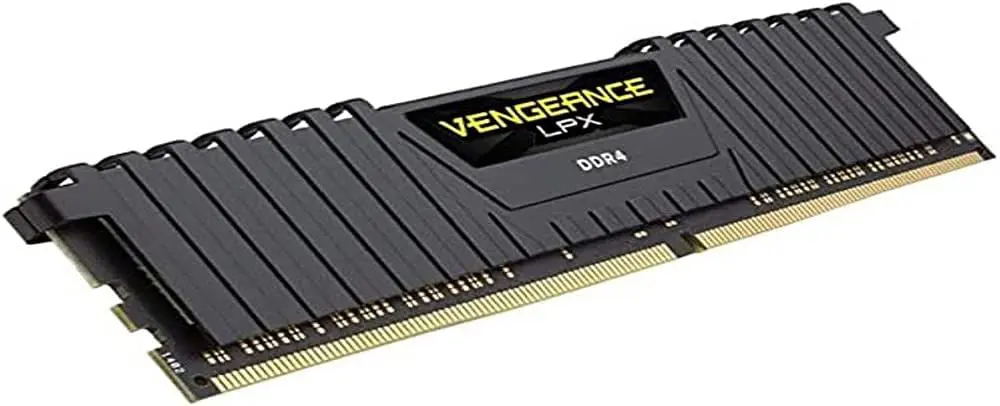
High-Speed RAM (1x8GB) DDR4

Ensure smooth multitasking across animation software.

View on Amazon
Gear Workstation

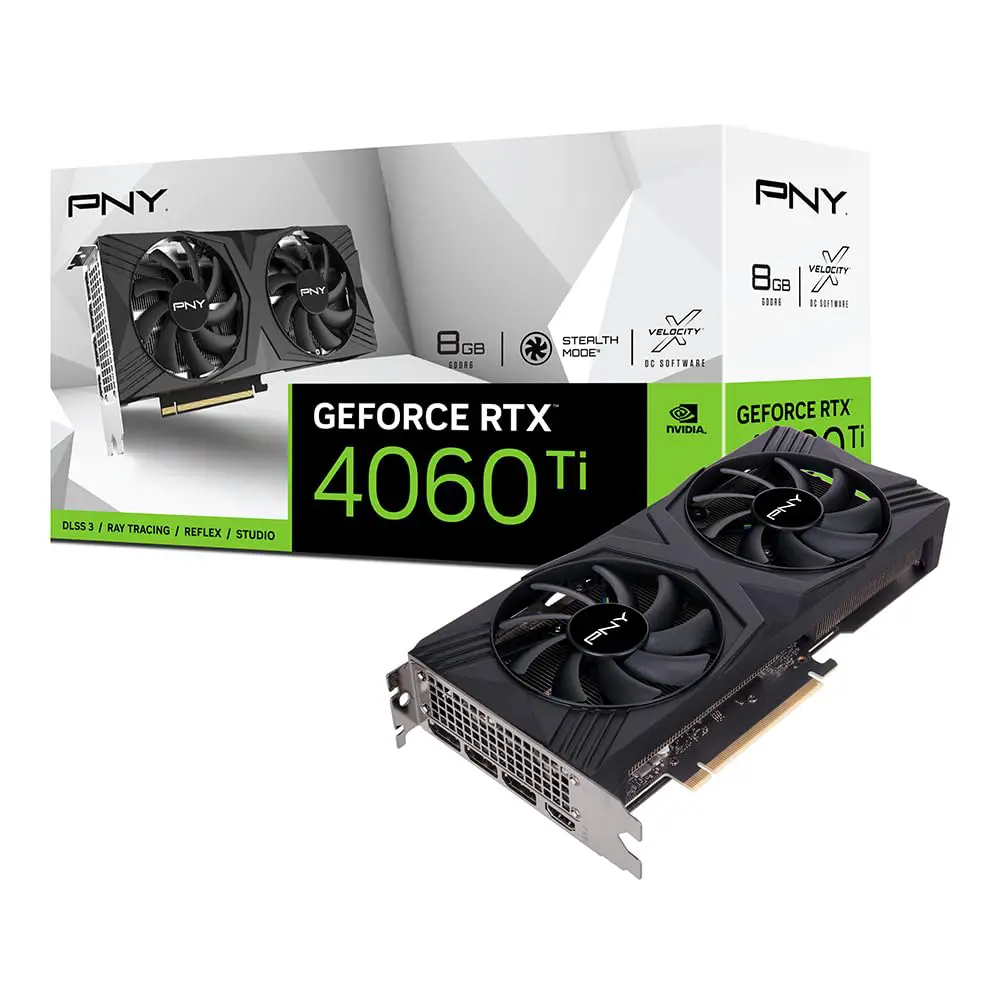
RTX 4060 Ti The Rendering Beast

Accelerate your rendering speeds in 3D Sodtwares.

View on Amazon
Gear Workstation

RTX 3050 Graphic Card

Accelerate your rendering speeds in 2D Animation & Premiere Pro.

View on Amazon
Gear Tools

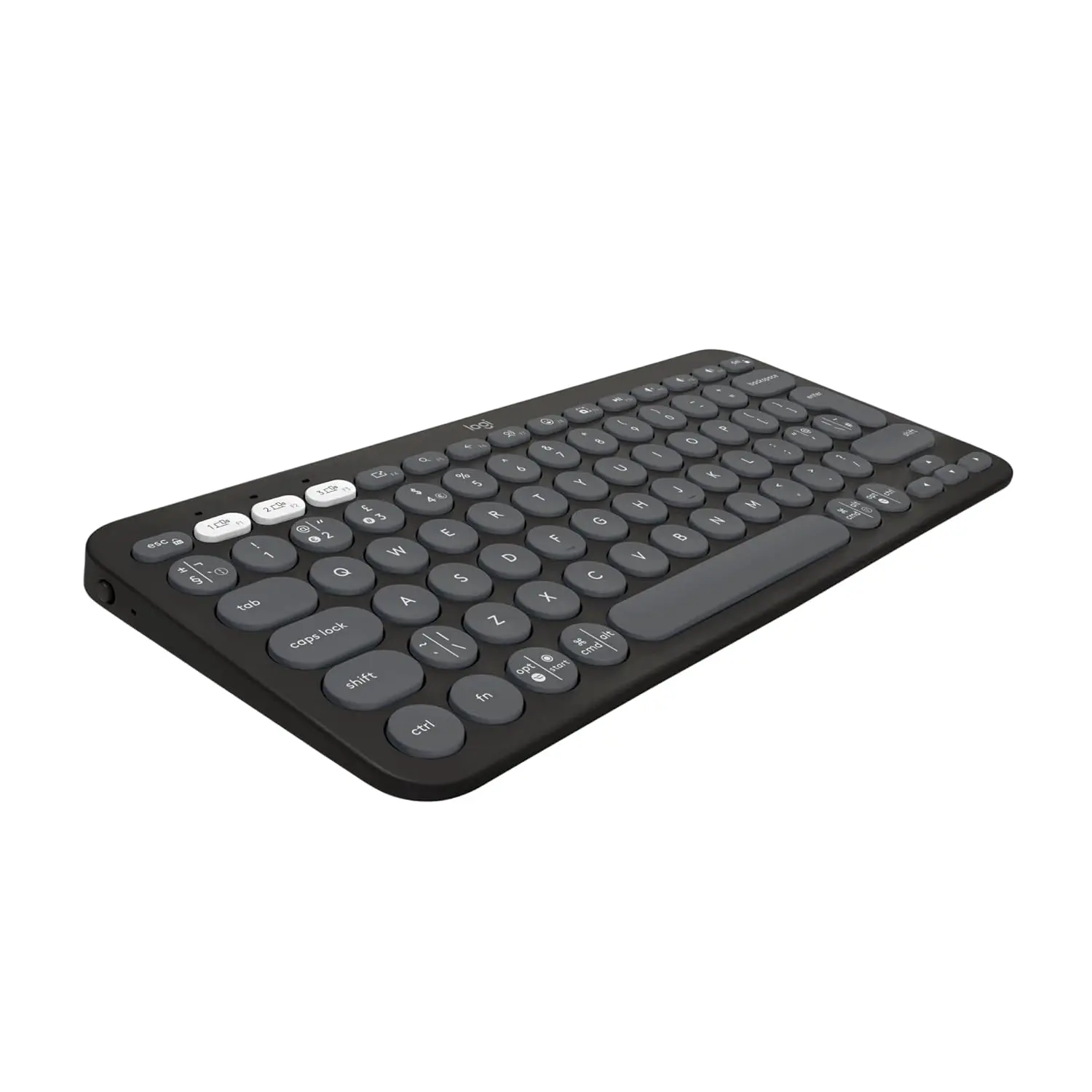
Mechanical Keyboard. The Professional Choice

Precision control for your animation shortcuts.

View on Amazon
Gear Hardware

Professional Monitor

Color-accurate display for genuine animation stories.

View on Amazon
Gear Tools

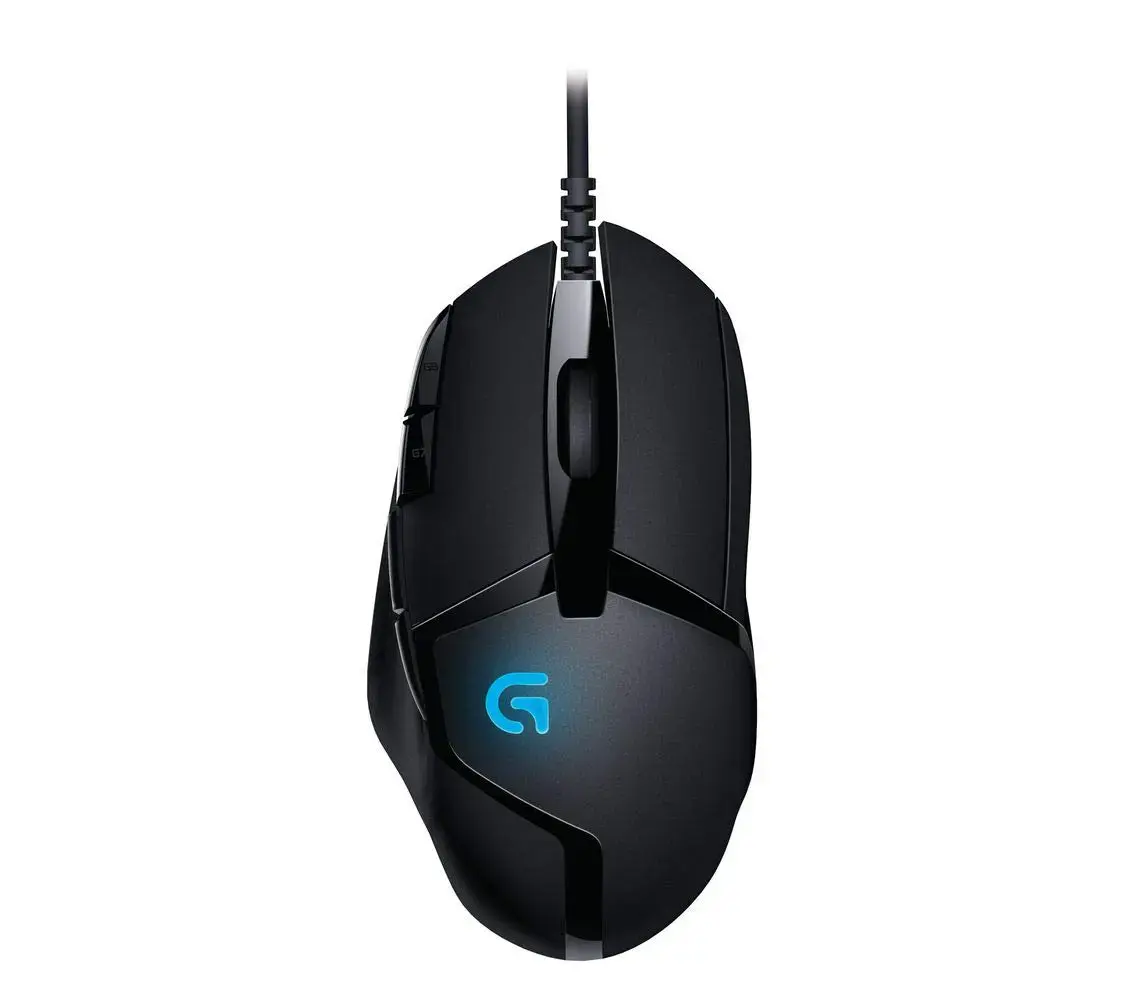
Ergonomic Mouse

Comfort for long hours of character sketching.

View on Amazon
Gear Audio

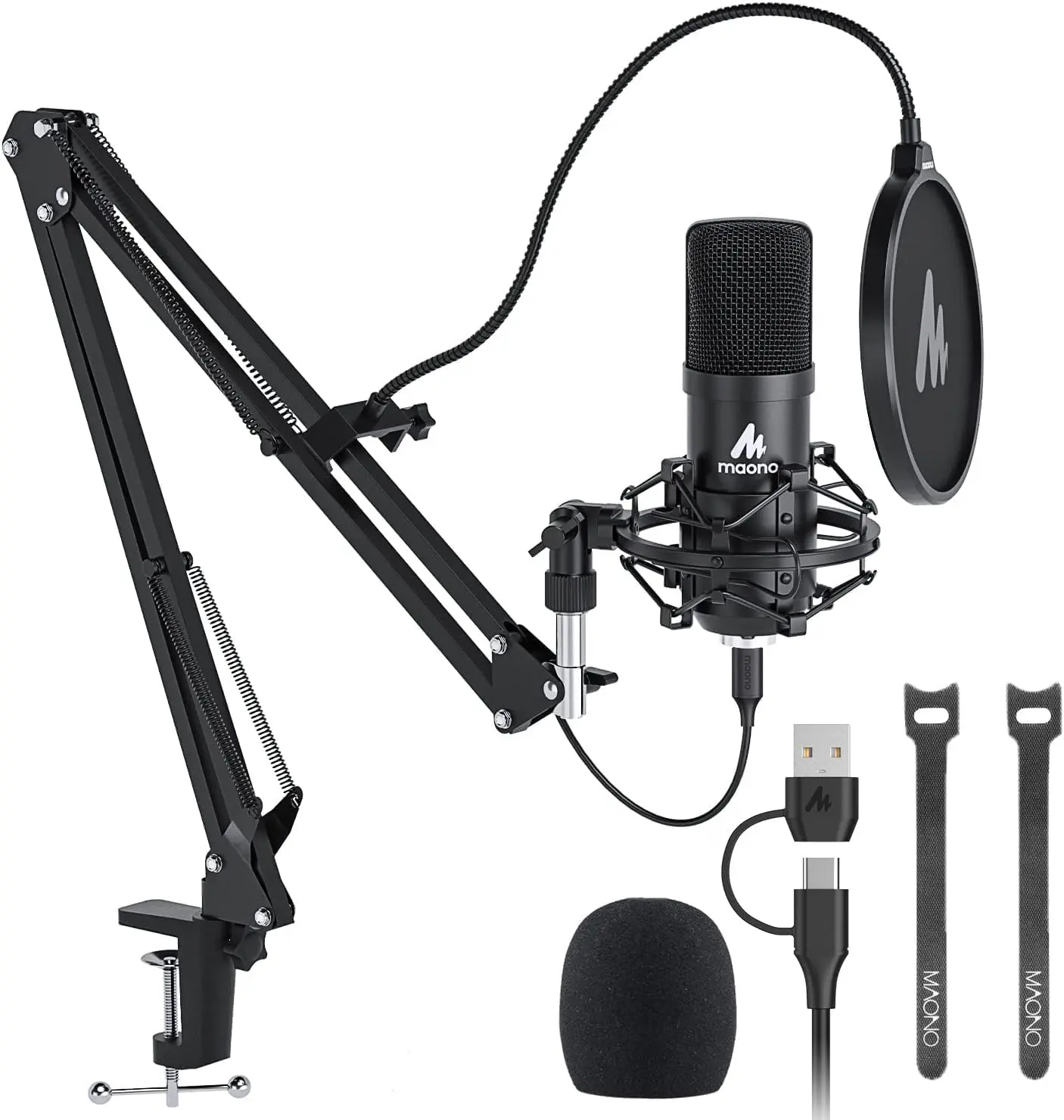
Studio Microphone

Perfect for high-quality voice-over recordings.

View on Amazon
Gear Storage

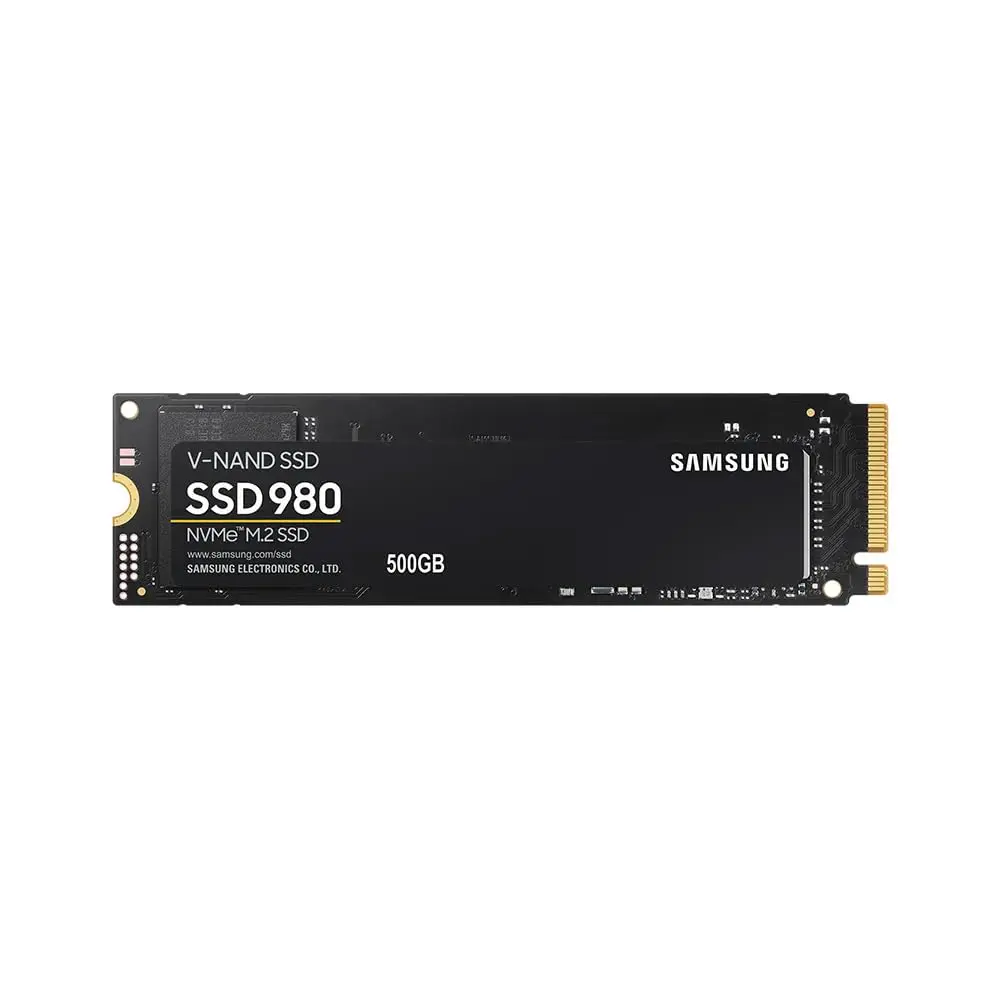
NVMe M.2 SSD

Lightning fast loading for your project assets.

View on Amazon

Recently Viewed Products

Leave a Reply

Your email address will not be published. Required fields are marked *